

What happened
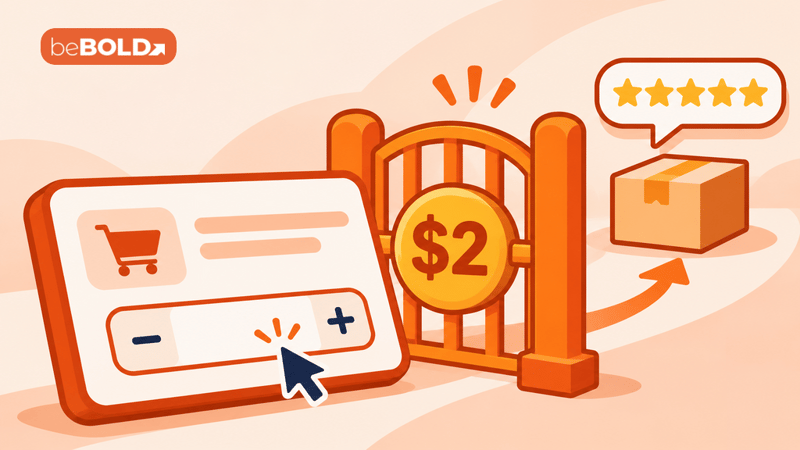
Amazon sellers testing Review Requests ads may encounter a $2 minimum default bid. In a Helium 10 campaign walkthrough, the console rejected a $1.50 bid; OptimalCentral documented a similar validation message in an account it manages. For brands reviewing holiday spend with beBOLD’s Amazon PPC management team, the practical first step is to check what their own account requires.
Amazon’s campaign setup instructions require a default bid but do not publish a $2 minimum. The observed console requirement should therefore not be presented as a published, universal Amazon policy.
Review Requests is in open beta in the United States. The ads invite recent verified purchasers to leave a star rating or written review while shopping on Amazon. Targeting is automatic, and products qualify while they have fewer than 1,000 total ratings and reviews.
Why it matters for sellers
The bid and the cost per written review are different measures. Amazon charges when a shopper clicks to submit a rating or review, and written feedback is optional. A seller could therefore pay for a star rating without receiving a written review. Check spend alongside rating-only submissions, written reviews, and average star rating before deciding whether a higher bid is worthwhile.
This is familiar territory for a beauty brand launching against products with established review histories. In beBOLD’s K18 Amazon case study, K18 began with no customer reviews and built review momentum as its customer base grew. That launch predates Review Requests; it shows why customer feedback matters alongside product content and advertising, rather than serving as evidence for this new ad format.
beBOLD Digital’s take
Audit Review Requests by advertiser account and product before changing bids:
-
Check the bid rule. Open campaign setup and record any minimum-bid message. For existing campaigns below $2, inspect delivery before assuming they have stopped.
-
Measure the outcome. Compare spend with rating-only and written review submissions using Amazon’s campaign reporting. Watch average star rating as well as submission volume.
-
Review the product experience. Read recent low ratings and address unclear product information through listing optimization. Advertisers cannot edit unfavorable reviews generated through Review Requests.
For a product with few or no buyers, Amazon Vine addresses a different stage of review building: Review Requests reaches people who have already purchased. Raise a Review Requests bid only where the account requires it and the results justify the spend. advertising.amazon.com
Sources






Comments